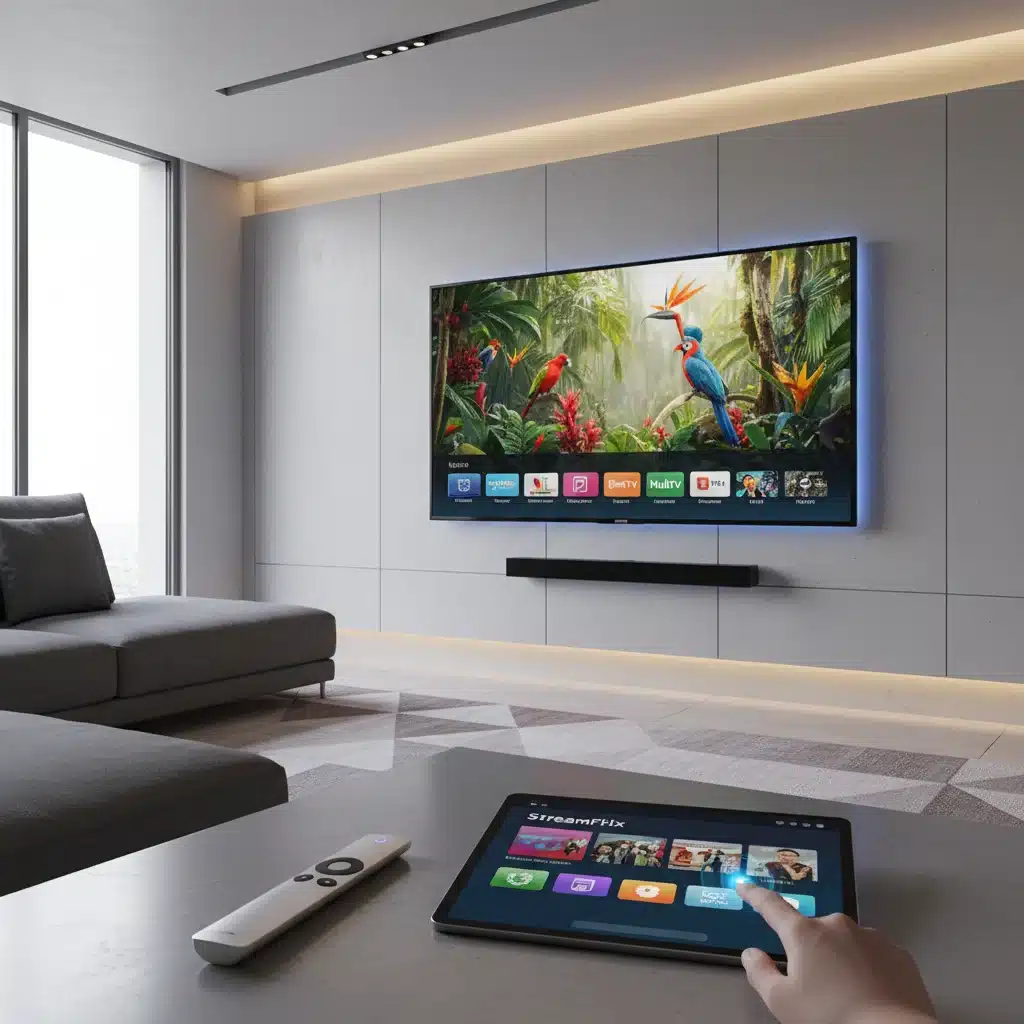
Maximizing Your Smart TV’s Potential in 2026: A 3-Step Guide to Unlocking Advanced Features and Saving 10% on Streaming Costs
Anúncios
In the rapidly evolving landscape of home entertainment, your smart TV is far more than just a display. It’s a powerful hub capable of delivering immersive experiences, personalized content, and even significant savings if you know how to leverage its full capabilities. As we navigate 2026, smart TV technology has reached unprecedented levels of sophistication, yet many users only scratch the surface of what their devices can truly do. Are you truly maximizing your smart TV potential?
This comprehensive guide is designed to empower you with the knowledge and practical steps needed to unlock your smart TV’s advanced features, optimize its performance, and, crucially, trim down your monthly streaming expenses by at least 10%. We’ll delve into a 3-step process that will transform your viewing experience, making it richer, more efficient, and more economical. From hidden settings to smart subscription management, prepare to revolutionize how you interact with your favorite content.
The journey to fully realizing your smart TV potential begins now. Let’s dive in and discover how to make your smart TV work harder and smarter for you.
Step 1: Unlocking Advanced Visual and Audio Settings for Peak Performance
Most smart TVs come with factory settings that are often a compromise, designed to appeal to a broad audience in varied retail environments. These settings rarely deliver the optimal visual or audio experience for your specific home environment. To truly maximize your smart TV potential, the first step is to delve into the advanced settings and customize them.
Calibrating Your Display: A Feast for Your Eyes
Picture quality is paramount. Modern smart TVs boast incredible technologies like OLED, QLED, Mini-LED, and advanced HDR (High Dynamic Range) formats such as Dolby Vision and HDR10+. To get the most out of these, manual calibration is key.
- Picture Mode: Start by selecting the appropriate picture mode. Avoid ‘Vivid’ or ‘Dynamic’ for everyday viewing, as these often oversaturate colors and introduce motion artifacts. Instead, opt for ‘Cinema,’ ‘Movie,’ ‘Filmmaker Mode,’ or ‘Custom.’ These modes are typically designed to provide a more accurate representation of the content as intended by the creators.
- Backlight/Brightness: Adjust this based on your room’s ambient light. In a dim room, a lower backlight setting will prevent eye strain and improve black levels. In a bright room, you’ll need to increase it. Don’t confuse ‘Backlight’ with ‘Brightness’ (which adjusts black levels); both are crucial.
- Contrast: This controls the difference between the brightest and darkest parts of the image. Too high, and you lose detail in bright areas; too low, and the image looks flat. Aim for a setting where white details are distinct without blooming.
- Sharpness: Often misunderstood, sharpness controls edge enhancement. High sharpness settings can introduce artifacts and a grainy look. For most content, a lower sharpness setting (often 0 or near 0) provides a more natural image.
- Color and Tint: While usually well-calibrated from the factory, slight adjustments can enhance skin tones and overall color accuracy. Use a test pattern if available, or rely on your eyes for subtle corrections.
- Motion Smoothing (Soap Opera Effect): This feature (often called ‘Motion Interpolation,’ ‘TruMotion,’ ‘MotionFlow,’ etc.) artificially adds frames to make motion appear smoother. While some prefer it for sports, it can make movies look unnatural. Experiment with it, but for cinematic content, most purists prefer to turn it off.
- HDR Settings: If your TV supports HDR, ensure it’s enabled for compatible content. Many TVs have specific HDR modes that automatically engage. Explore settings like ‘Dynamic Tone Mapping’ for optimal HDR performance, especially for varying content.
Elevating Your Audio Experience: Beyond the Built-in Speakers
While external sound systems (soundbars, home theater setups) offer superior audio, you can still improve your TV’s built-in sound. This is a critical component of maximizing your smart TV potential.
- Sound Mode: Similar to picture modes, sound modes like ‘Standard,’ ‘Movie,’ ‘Music,’ or ‘Clear Voice’ can dramatically alter the audio profile. ‘Movie’ mode often enhances bass and surround effects, while ‘Clear Voice’ prioritizes dialogue.
- Equalizer Settings: If your TV has an equalizer, you can fine-tune bass, treble, and mid-range frequencies. Boosting dialogue frequencies can make conversations clearer, while a slight bass boost can add impact to action scenes.
- Volume Leveling/Auto Volume: This feature helps to prevent sudden jumps in volume, common during commercials or scene changes. It can be a lifesaver for late-night viewing.
- Virtual Surround Sound: Many smart TVs attempt to simulate surround sound using only their internal speakers. While not a true surround experience, experimenting with these settings can sometimes create a wider soundstage.
- Audio Delay/Lip Sync: If you notice a delay between the audio and video, your TV likely has an audio delay setting (often called ‘Lip Sync Adjustment’) that allows you to synchronize them perfectly.
Step 2: Leveraging Smart Features and Connectivity for a Seamless Experience
Beyond picture and sound, your smart TV is packed with intelligent features designed to enhance your daily life. Unlocking these capabilities is central to maximizing your smart TV potential.
Smart Home Integration and Voice Control
Modern smart TVs are often the centerpiece of a connected home. Many integrate seamlessly with smart home ecosystems.
- Voice Assistants: Most smart TVs come with built-in voice assistants like Google Assistant, Amazon Alexa, or their own proprietary systems (e.g., Samsung Bixby, LG ThinQ AI). Use them to search for content, control playback, switch inputs, check the weather, or even control other smart home devices (lights, thermostats) directly from your TV. Enable ‘wake word’ detection if you prefer hands-free operation.
- Smart Home Hub: Some high-end smart TVs can act as central hubs for your smart home devices, allowing you to monitor and control everything from a single interface on your TV screen. Explore your TV’s settings for ‘SmartThings’ (Samsung), ‘LG ThinQ’ (LG), or similar platforms.
Advanced Connectivity and Screen Sharing
Your smart TV is a gateway to more than just streaming apps.
- Casting and Screen Mirroring: Wirelessly project content from your smartphone, tablet, or computer directly onto your TV screen. Technologies like Chromecast built-in, Apple AirPlay 2, and Miracast allow for easy sharing of photos, videos, presentations, or even entire phone screens. This is incredibly useful for sharing memories or collaborating.
- Multi-View/Picture-in-Picture: Some premium smart TVs offer multi-view capabilities, allowing you to watch two or more sources simultaneously. You could watch a football game while keeping an eye on a YouTube tutorial, or conduct a video call while browsing the web.
- Gaming Features: For gamers, modern smart TVs offer features like Variable Refresh Rate (VRR), Auto Low Latency Mode (ALLM), and high refresh rates (120Hz or even 144Hz) via HDMI 2.1 ports. Ensure these are enabled in your TV’s settings and on your gaming console/PC for the smoothest, most responsive gaming experience.
- Ambient Mode/Art Mode: When not actively watching, many smart TVs can blend into your decor by displaying artwork, photos, or useful information (weather, news headlines). This transforms your black rectangle into a dynamic display.
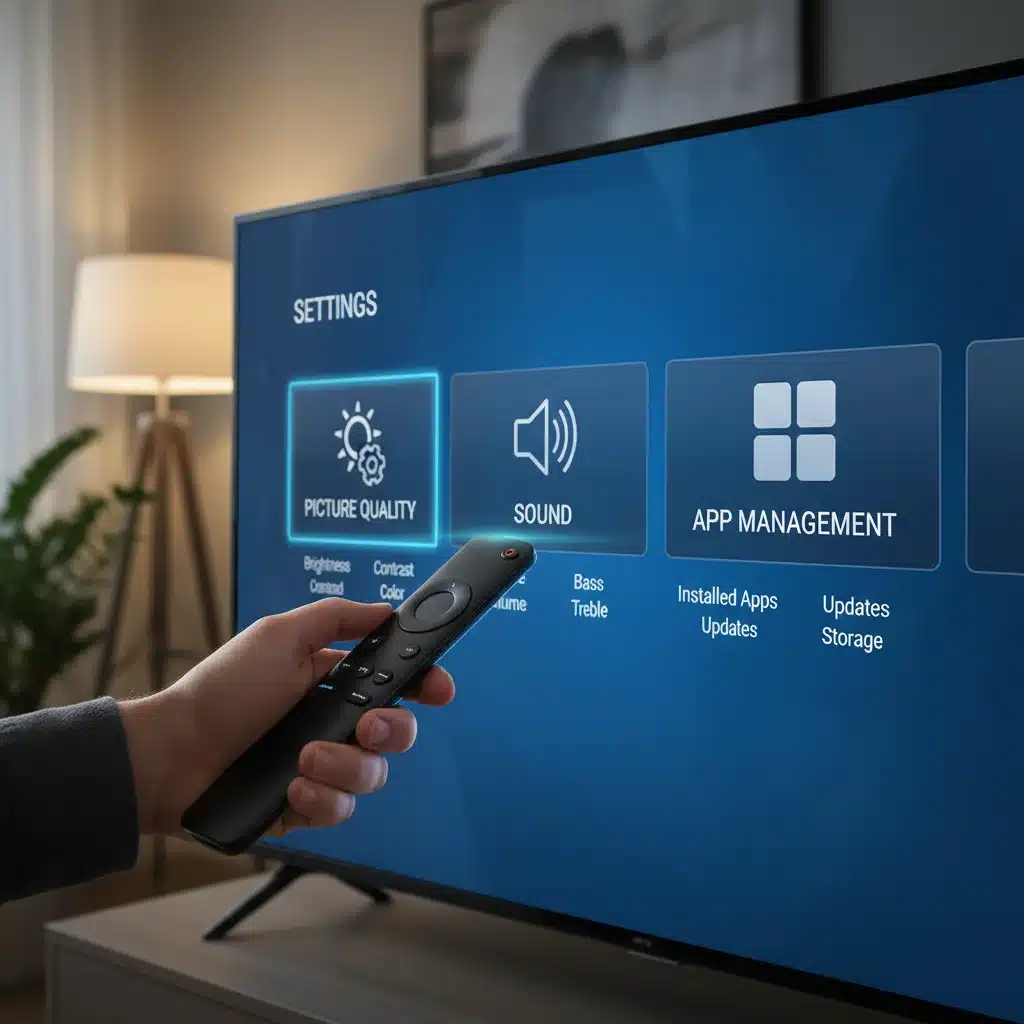
Optimizing Your Smart TV’s Interface and App Management
A cluttered or slow interface can detract from your experience. To maximize your smart TV potential, manage your apps and settings wisely.
- Organize Apps: Most smart TV platforms allow you to reorder, group, or hide apps on your home screen. Place your most frequently used apps front and center for quick access.
- Delete Unused Apps: Just like your smartphone, unused apps can take up valuable storage space and potentially slow down your TV’s performance. Periodically review and delete apps you no longer use.
- Software Updates: Always ensure your smart TV’s firmware is up to date. Manufacturers frequently release updates that improve performance, add new features, fix bugs, and enhance security. Enable automatic updates if available.
- Quick Settings/Customizable Buttons: Many remotes have customizable buttons or quick access menus. Program these to your most-used functions or apps for even faster navigation.
Step 3: Strategic Streaming Management for a 10% Saving
The average household subscribes to multiple streaming services, and these costs can quickly add up. With a strategic approach, you can significantly reduce your monthly outlay without sacrificing your favorite content. This is where you truly unlock your smart TV potential for financial savings.
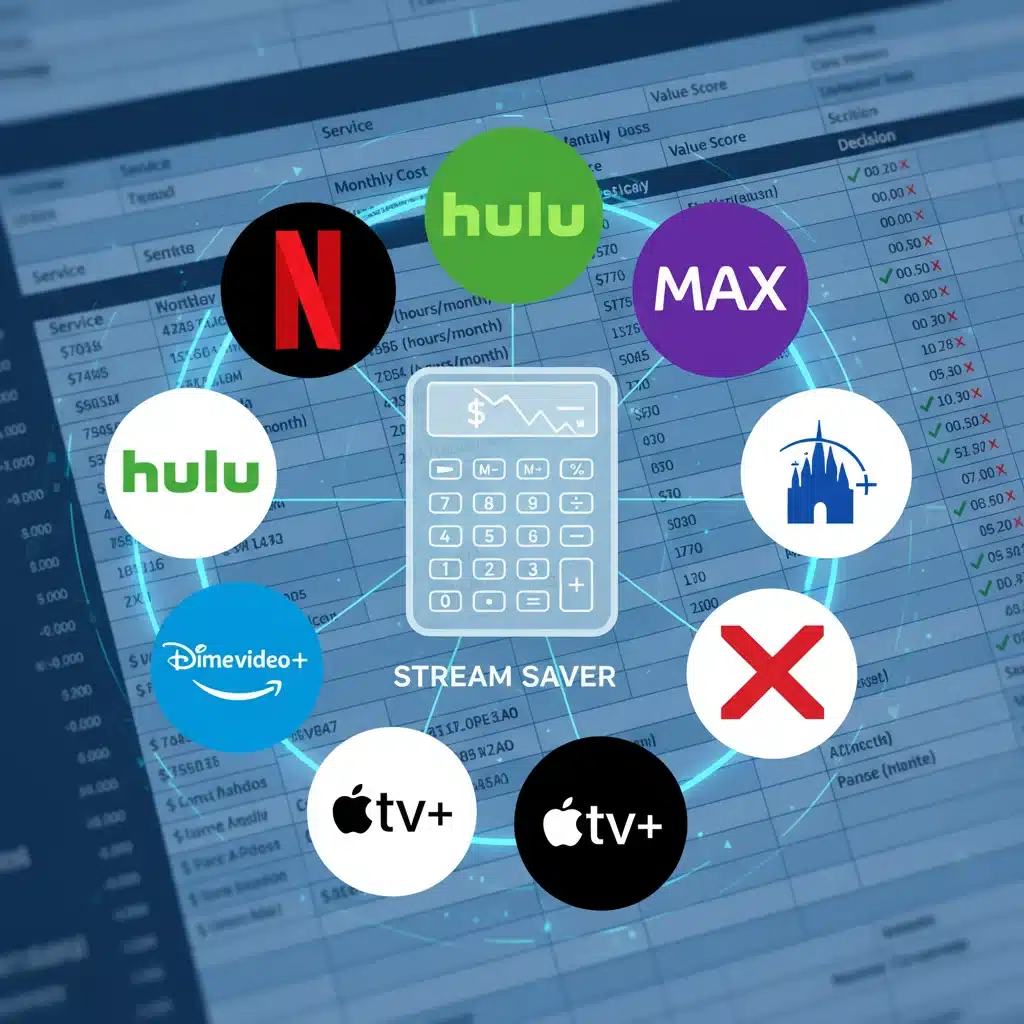
Audit Your Subscriptions: The First Step to Savings
Many people pay for services they rarely use. A thorough audit is essential.
- List All Subscriptions: Make a comprehensive list of every streaming service you currently subscribe to, including their monthly or annual cost. Don’t forget niche services or those bundled with other products.
- Track Usage: For one month, consciously track which services you use and how frequently. Many services offer viewing history. Be honest with yourself about how much value you’re getting from each.
- Identify Redundancies: Are you paying for two services that offer similar content, or where you only watch one or two shows on a particular platform?
The ‘Churn and Return’ Strategy: A Smart Way to Save
This strategy involves subscribing to a service, binging the content you want to watch, and then canceling it until new content you desire becomes available. This is a highly effective way to maximize your smart TV potential for savings.
- Rotate Services: Instead of subscribing to 8 services simultaneously, pick 2-3 for a month, binge their exclusive content, then cancel and subscribe to another 2-3 the next month. Most services make it easy to cancel and resubscribe.
- Take Advantage of Free Trials: Always use free trials for new services or when returning to an old one. Just remember to cancel before the trial ends if you don’t plan to continue.
- Look for Annual Discounts: Some services offer a significant discount (often 10-20%) if you pay annually instead of monthly. If it’s a service you know you’ll use year-round (e.g., Netflix, Disney+), this can be a smart saving.
Leveraging Bundles and Promotions
Streaming providers and other companies often offer bundles that can save you money.
- Provider Bundles: Look for bundles from the streaming services themselves (e.g., Disney+, Hulu, ESPN+ bundle). These are often cheaper than subscribing to each individually.
- Telecom/Mobile Provider Bundles: Many internet, mobile, or cable providers offer free or discounted streaming subscriptions as part of their packages. Check if you’re eligible for any such deals.
- Credit Card Perks: Some credit cards offer cash back or statement credits for specific streaming services. Review your credit card benefits.
- Student/Military/Senior Discounts: If applicable, inquire about special discounts offered by streaming services.
Free Streaming Options and Content Libraries
Don’t overlook the wealth of free content available, which can further enhance your smart TV potential without costing a dime.
- Ad-Supported Free Services: Platforms like Pluto TV, Tubi, Freevee, and The Roku Channel offer a vast library of movies and TV shows completely free, supported by ads. These can often fill the gaps when you’re between paid subscriptions.
- Library Services: Many public libraries offer access to streaming services like Kanopy or Hoopla with your library card, providing a diverse selection of films, documentaries, and educational content.
- Broadcast TV via Antenna: For local news and major network shows, a simple over-the-air antenna can provide high-definition content for free, bypassing cable subscriptions.
Practical Example: Achieving a 10% Saving
Let’s say your current monthly streaming bill is $80 across 5 services.
- Audit: You realize you only watch one show on Service A ($10/month) and haven’t touched Service B ($8/month) in three months.
- Churn & Return: You cancel Service B immediately. For Service A, you decide to subscribe only when a new season of your favorite show drops, saving $10 for 9 months of the year.
- Bundle/Free: You discover your mobile provider offers a discounted bundle for Service C and D, saving you $5/month. You also start using Pluto TV for background viewing, reducing the need for another paid service.
Total Savings: $8 (Service B) + $7.50 (average monthly saving from Service A) + $5 (bundle discount) = $20.50. This represents over a 25% saving from your initial $80, easily surpassing the 10% goal and truly demonstrating your smart TV potential for cost-effectiveness.
Beyond the Basics: Advanced Tips for the Savvy Smart TV User
To truly push the boundaries of your smart TV potential, consider these additional insights:
Regular Maintenance and Troubleshooting
- Restart, Don’t Just Power Off: If your TV is acting sluggish or an app is misbehaving, perform a full restart (often found in settings) or unplug it for 60 seconds. This clears temporary memory and can resolve many issues.
- Clear Cache: Some smart TV platforms allow you to clear the cache for individual apps. This can improve app performance and free up space.
- Network Optimization: Ensure your Wi-Fi signal is strong where your TV is located. Consider connecting via Ethernet if possible for the most stable and fastest streaming experience, especially for 4K/HDR content.
Exploring Alternative Content Sources
- Plex/Kodi: For users with extensive personal media libraries, setting up a media server with Plex or Kodi on your smart TV (or a connected device) can centralize your content and offer a highly customized viewing experience.
- Web Browsing: Most smart TVs have a built-in web browser. While not as robust as a computer, it can be useful for accessing websites that don’t have dedicated apps or for quick searches.
Future-Proofing Your Investment
- HDMI 2.1: If you’re considering a new smart TV, prioritize models with HDMI 2.1 ports, especially if you plan on next-gen gaming or high-bandwidth content in the future.
- Processor Power: A faster processor means smoother navigation, quicker app loading, and better overall performance. While not always easy to compare, user reviews often highlight TVs with snappy interfaces.
- Ecosystem Compatibility: If you’re heavily invested in a particular smart home ecosystem (Apple HomeKit, Google Home, Amazon Alexa), choose a TV that integrates well with it for a more cohesive experience.
Conclusion: Unleash Your Smart TV’s True Power
Your smart TV is an incredible piece of technology, and by following this 3-step guide, you’re now equipped to fully realize its smart TV potential. From calibrating your display for breathtaking visuals and fine-tuning audio for immersive sound, to leveraging intelligent features for seamless connectivity and implementing smart strategies to save significantly on streaming costs, you’ve taken control of your home entertainment experience.
Remember, the world of smart TVs is always evolving. Stay curious, explore your settings, keep your software updated, and periodically review your streaming habits. By doing so, you’ll not only enjoy a superior viewing experience but also ensure your smart TV remains a smart investment for years to come. Enjoy the enhanced picture, the richer sound, the smarter features, and most importantly, the extra savings in your pocket. Your maximized smart TV potential awaits!